SpineViewer




Spine file viewer & exporter, also a dynamic wallpaper program supporting Spine animations.
https://github.com/user-attachments/assets/37b6b730-088a-4352-827a-c338127a16f0
Features
- Supports multiple Spine file versions (
2.1.x; 3.4.x - 4.2.-) - List-based multi-skeleton view with rendering order management
- Supports multi-track animations
- Supports skin/slot/attachment settings
- Debug rendering support
- Frame rate / model / track time scale adjustment
- Track alpha blending control
- Export single frame / GIF / video
- Custom export via FFmpeg
- Supports non-PNG texture formats
- Desktop dynamic wallpaper with auto-start support
- ......
Installation
Download the compressed package from the Releases page.
The program requires the .NET Desktop Runtime 8.0.x to be installed.
You can also download packages with the SelfContained suffix, which can run independently without additional installations.
Exporting GIF/MP4 or other animated/video formats requires ffmpeg installed locally and added to the system PATH. Download FFmpeg for Windows or the latest full build ffmpeg-release-full.7z.
Changing Display Language
Currently, the program supports the following interface languages:
ZH(Chinese)EN(English)JA(Japanese)
Change the language via the menu: File → Preferences… → Language, then confirm.
Usage
Overview
The program uses a left-right layout: the left panel contains controls, the right panel displays the preview.
The left panel contains three sub-panels:
- Models: Lists imported and rendered models. Set model parameters, rendering order, and other model-related functions here.
- Browser: Preview files in a folder without actually importing them. Generate WebP previews or import selected models.
- Canvas: Set parameters for the right-side preview display.
Most buttons, labels, or input fields show help text on hover.
Importing Skeletons
Drag-and-drop or paste skeleton files/folders directly into the Models panel.
Alternatively, use the right-click menu in the Browser panel to import selected items.
Adjusting Content
The Models panel supports right-click menus, some hotkeys, and batch editing via multi-selection.
Mouse interactions in the preview panel:
- Left click: select and drag models. Hold
Ctrlfor multi-selection (synchronized with the model list). - Right click: drag the entire canvas.
- Mouse wheel: zoom in/out. Hold
Ctrlto scale selected models together. - Render selected only: preview only the selected models, selection can only be changed via the left panel.
Playback controls below the preview allow time adjustment, acting as a simple player.
Exporting Content
Right-click on models in the list to access export options.
Key export parameters:
- Output folder: Optional. If not provided, outputs go to each model’s folder. Otherwise, all outputs go to the specified folder.
- Single export: Default exports each model separately. If enabled, all selected models are rendered together in one output.
- Auto resolution: Ignores preview canvas resolution; exported resolution matches the actual size of content. For animations or videos, ensures full display of the animation.
Dynamic Wallpaper
The dynamic wallpaper projects the current preview content to the desktop in real time.
Enable or disable via program preferences or the tray icon menu. Save workspace files to preserve model and canvas settings.
Auto-start with Windows can also be enabled, along with loading a specific workspace on startup.
Command-line Tool
The project includes a CLI tool SpineViewerCLI for simple operations on a single model (querying parameters, exporting, etc.). Windows and Linux binaries are provided in Releases.
$ SpineViewerCLI -h
Description:
  Root Command

Usage:
  SpineViewerCLI [command] [options]

Options:
  -q, --quiet     Suppress console logging (quiet mode).
  -?, -h, --help  Show help and usage information
  --version       Show version information

Commands:
  query <skel>    Query information of single model
  preview <skel>  Preview a model
  export <skel>   Export single model
More
Detailed instructions and usage guides can be found in the Wiki. Report issues or bugs via GitHub Issues.
Acknowledgements
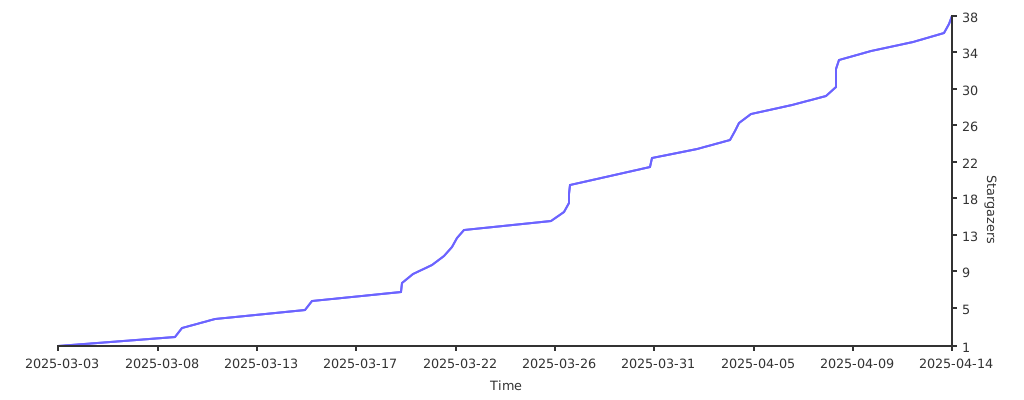
If you like this project, please give it a ⭐ and share it with others! :)